परिचय — क्यों यह Checklist ज़रूरी है
State Public Service Commission (PSC) या अन्य राज्य-स्तरीय भर्ती में application form में छोटी-मोटी गलती भी disqualification या admit card/answer key/selection में समस्या पैदा कर सकती है. यह article एक practical, step-by-step State PSC Recruitment Form Documents Correction Checklist देता है — ताकि आप submission से पहले और बाद में corrections आसानी से कर सकें.
Overview: कब correction जरूरी होता है और क्या verify करें
Correction tab/फेसिलिटी हर PSC में अलग होती है — कुछ PSCs सिर्फ datum (date of birth), community, gender, और photograph जैसी चीजें बदलने देते हैं; कुछ के पास अलग portal/online correction window होती है; और कुछ मामलों में आपको Commission को लिखकर या helpline पर contact करके request करनी पड़ सकती है. इसलिए पहले notification और official PSC website की guidelines जरूर पढ़ें.
Quick verify: Notification PDF → Eligibility clause → Documents list → Correction/rectification clause (अगर दिया है तो) → Helpline details/official email.
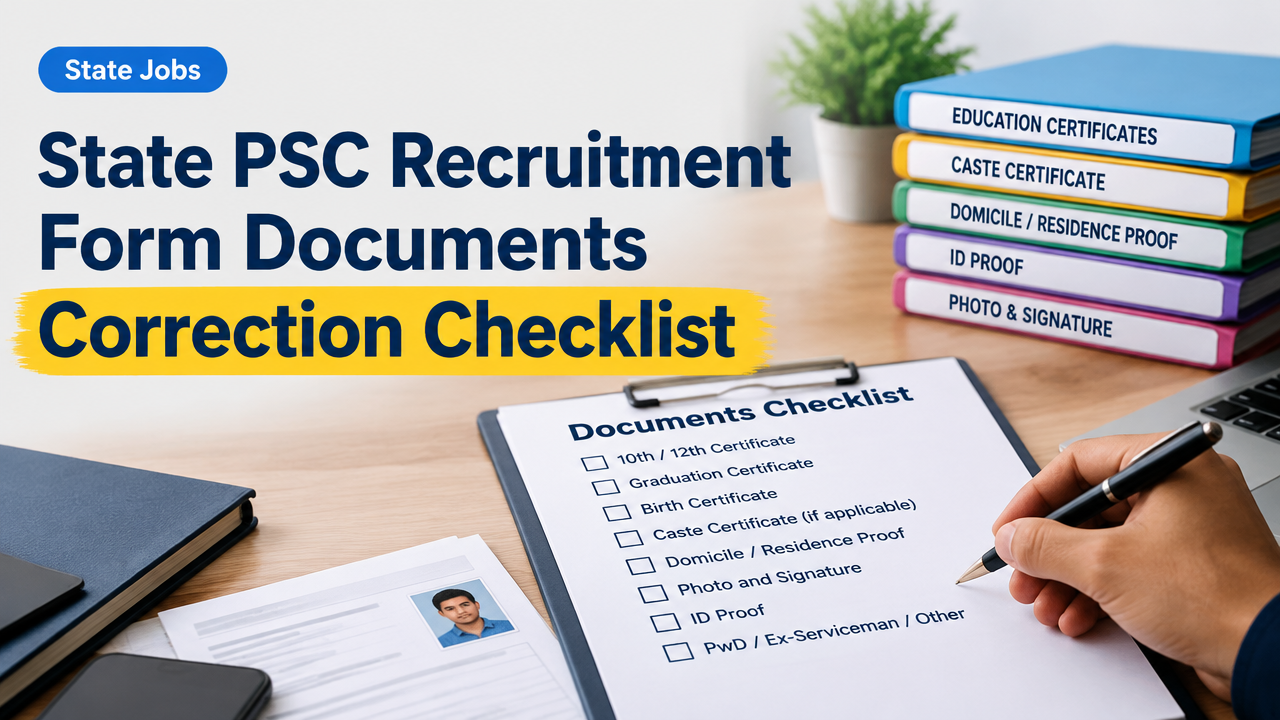
सूपूर्ण Documents Checklist (Apply से पहले और Correction के लिए)
| Document/Item | क्यों जरूरी | Format/Tip |
|---|---|---|
| 10th/Secondary School Certificate | Date of Birth proof | Original/Scanned PDF or JPG, date visible, file size as per portal |
| 12th/Higher Secondary/Diploma/Graduation Certificate | Educational eligibility | Single-page scan for quick upload; degree certificate + marksheet if required |
| Birth Certificate | Alternate DOB proof | Official document; keep notarized copy ready if required |
| Caste Certificate (if applicable) | Reservation और fee concession | Valid format; community और parent details clear |
| Domicile/Residence Proof | State quota eligibility | Voter ID/Aadhaar/Residence certificate |
| Photo and Signature | Admit card और identity verification | Recent passport-size photo, white background; scanned signature black ink |
| ID Proof (Aadhaar/PAN/Voter) | Identity verification | ID नंबर आधा mask कर के सुरक्षित रखें |
| PwD/Ex-Serviceman/Other Certificates | Reservation/age relaxation | Valid certificate issue authority mentioned हो |
| Fee payment proof | Application acceptance confirmation | Bank slip/UPI/Transaction ID screenshot |
Common Application Mistakes और कैसे बचें
- Name spelling mismatch: जन्मcertificate/educational documents के मुताबिक ही नाम भरें; अगर initial use करते हैं तो सभी docs में consistency रखें.
- DOB गलत भरना: Admit card और eligibility पर असर. 10th certificate से मेल करें.
- फोटो/Signature size गलत: Portal के specified pixel/KB limits ध्यान से पढ़ें.
- Wrong category या state opted: ये सबसे गंभीर होते हैं — correction window खोल कर तुरंत update करें और proof अपलोड करें.
- Multiple applications: कई बार एक ही vacancy पर duplicate apply कर देने से application rejected हो सकता है — official rules देखें.
Step-by-step: अगर आपने गलत जानकारी जमा कर दी है तो अभी क्या करें
- Notification और official website देखें: सबसे पहले PSC की official vacancy notification पढ़ें — correction window, email address या offline submission का तरीका वहां होगा.
- Login और ‘Edit/Correction’ option चेक करें: कई PSC portals में limited time के लिए “Application Correction” का link आता है. वहां जाकर गलत field directly बदलें और updated documents upload करें.
- Correction window नहीं है तो official email/helpline पर लिखें: अपने PDF/scan के साथ संक्षिप्त request भेजें — subject में Application Number और Vacancy का उल्लेख करें. नीचे sample diya है.
- Hard-copy/affidavit की आवश्यकता दिखे तो तैयार रखें: कुछ PSCs DOB/caste corrections के लिए notarized affidavit या court order माँगते हैं — notification पढ़ें और authorized format लें.
- Payment slips और acknowledgements save करें: correction के बाद acknowledgment या updated application का screenshot/download ज़रूर रखें.
- Follow up करें: अगर 7-10 दिन में response नहीं आता तो हेल्पलाइन नंबर/ईमेल पर polite reminder भेजें और call करें.
Sample Email/Letter For Correction (Simple Hinglish/Hindi)
Subject: Request for Correction — Application No. 12345 (Vacancy: [Name of Post])
Sir/Madam,
My name is [Your Full Name]. I have applied for [Post Name] (Application No. ______) through your portal on [date]. During filling the form, I inadvertently filled my Date of Birth as [wrong DOB]. Correct DOB as per my 10th certificate is [correct DOB]. I am attaching scanned copy of my 10th certificate and application screenshot. Kindly request you to update DOB in my application.
Attachments: 1) 10th Certificate (scan) 2) Application screenshot 3) Payment receipt
Thank you,
[Your Name]
[Mobile No.]
[Email ID]
क्या सार्वजनिक रूप से स्वीकार्य proofs होते हैं — quick guide
- DOB: 10th certificate, birth certificate, school leaving certificate (as per PSC rules).
- Caste: District/State competent authority द्वारा जारी caste certificate.
- Ex-Serviceman: Discharge certificate; PPO copy.
- PwD: Medical board का certificate with disability percentage.
Note: किसी भी change के लिए PSC चाहे तो original documents, notarized copies या verification माँग सकता है — notification चेक करना अनिवार्य है.
After Correction — क्या रखें और कैसे सुरक्षित रखें
- Corrected application का screenshot और saved PDF रखें.
- Correction acknowledgment number या email का printout रखें.
- Original documents सुरक्षित रखें — physical verification stage में माँगे जा सकते हैं.
- Admit card आ जाने पर details और DOB/name verify करें; अगर फिर mismatch हो तो तुरंत apply correction या contact करें.
Common Scenarios: Quick Answers
- Name change after marriage: अगर notification में allowed है, तो marriage certificate + affidavit साथ रखें.
- Wrong category चुना गया है: जल्दी से portal correction करें; अगर window बंद है तो helpline/email से request करिए और proof attach करिए.
- DOB galat aur PSC correction dena mana कर दे: Normal process में आप court order या notarized affidavit के सहारे appeal कर सकते हैं — पर यह case-to-case vary करता है; official guidance follow करें.
Practical Tips aur Best Practices
- Apply करने से पहले सभी documents की scanned copies organized folders में रखें — नाम, type और size mention करके.
- Portal में copy-paste से बचें; manual check करें कि special characters या diacritics ठीक आये हैं.
- Mobile से upload करते समय preview देखें — कई बार mobile camera से skewed image upload हो जाता है.
- Multiple applications avoid करें — PSC की disqualification policies पढ़ें.
- Official PSC portal और notification हमेशा bookmark करें; social media updates को official release से cross-check करें.
Official-source note: PSC rules और correction policies state-to-state और vacancy-to-vacancy बदलते हैं. आपकी final authority वही notification और commission की official website/helpline है — हमेशा उनपर verify करें.
Related reading: Private Recruitment Scam Se Bachne Ke Practical Verification Steps | ISRO NRSC Online Form 2026 | RPSC Physiotherapist Recruitment 2026
Frequently Asked Questions
निष्कर्ष
State PSC Recruitment Form Documents Correction Checklist का उद्देश्य applicants को practical और verified तरीके बताना है ताकि छोटी गलती भी उनकी selection process को प्रभावित न करे. सबसे महत्वपूर्ण बात: हमेशा official notification और PSC website/helpline पर verify करें और corrected application की acknowledgment को सुरक्षित रखें. अगर किसी मदद या template की ज़रूरत हो तो official PSC से contact करें या related guides को पढ़ें.
Useful internal links: Private Recruitment Scam Se Bachne Ke Practical Verification Steps, ISRO NRSC Online Form 2026, RPSC Physiotherapist Recruitment 2026.
Official source ko final maanein
Dates, vacancies, fees, eligibility, result or application instructions change ho sakte hain. Final action se pehle responsible official website/notification verify karein.